
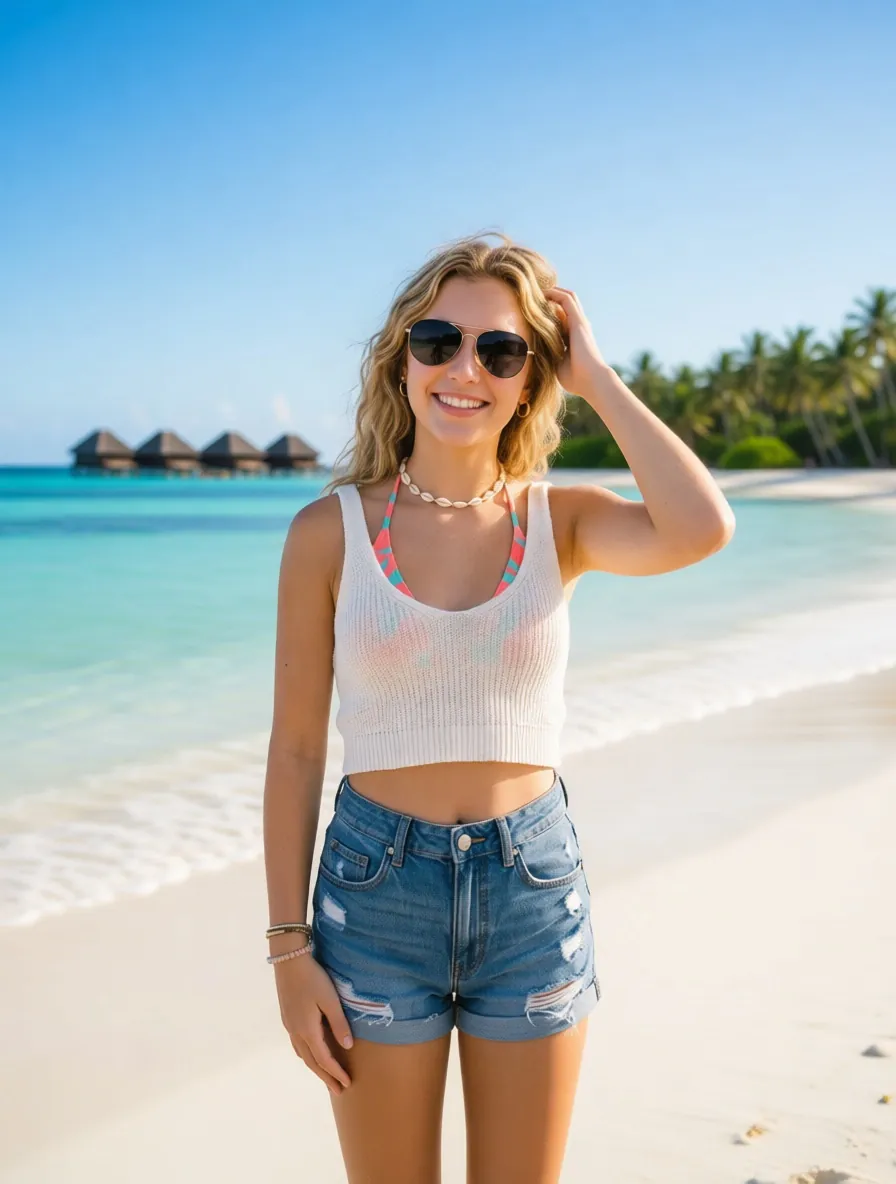

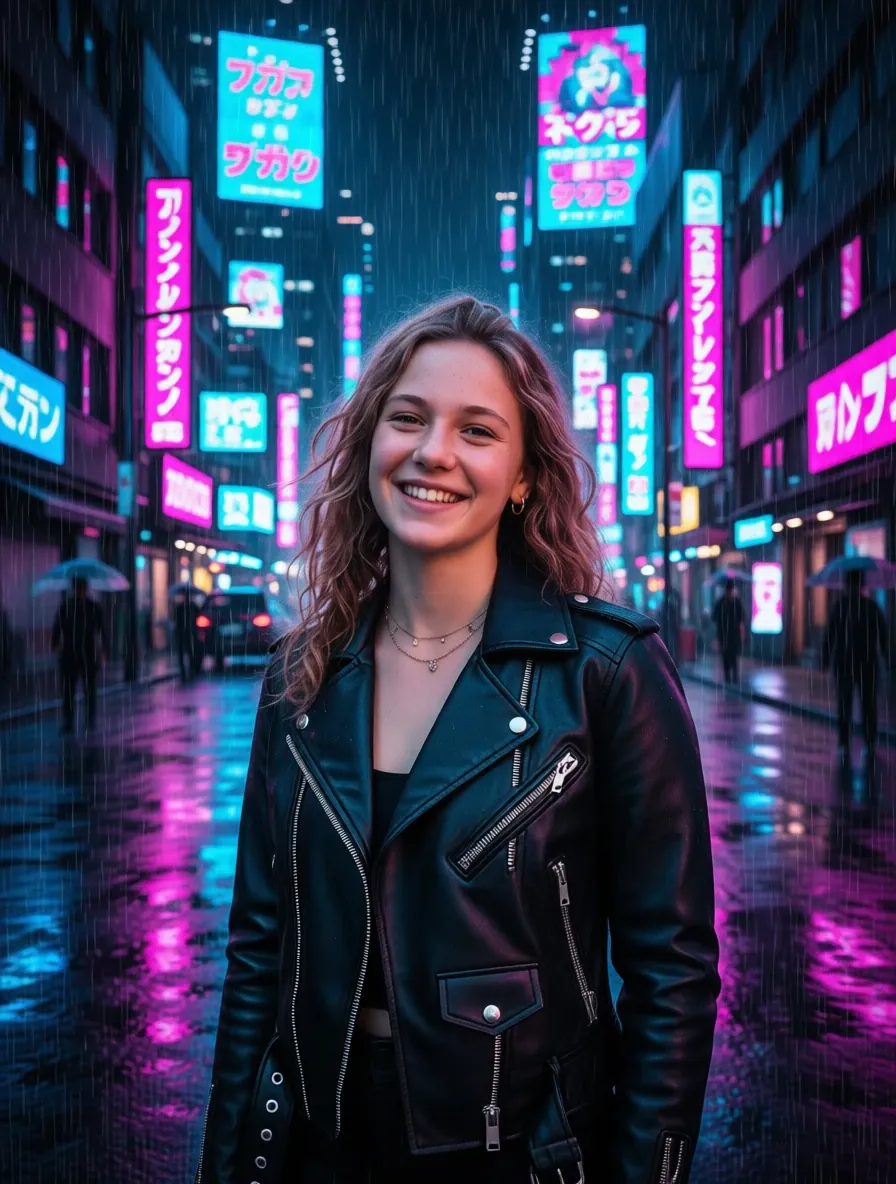
A free AI photo editor uses AI technology to interpret images and perform editing tasks such as removing objects, replacing backgrounds, adjusting lighting, enhancing image quality, or changing visual styles. Unlike manual tools, AI photo editors execute various modifications based on user-provided instructions.
Editing Image with AI Photo Editor Online Free
Just upload photo and tell the AI what you want to change. The online AI photo editor interprets your request, applies the edit, and gives you a new result to review and use.
GPT Image 2.5 live! 🎉
Up to 2 images
Support JPEG, PNG, WEBP up to 10M
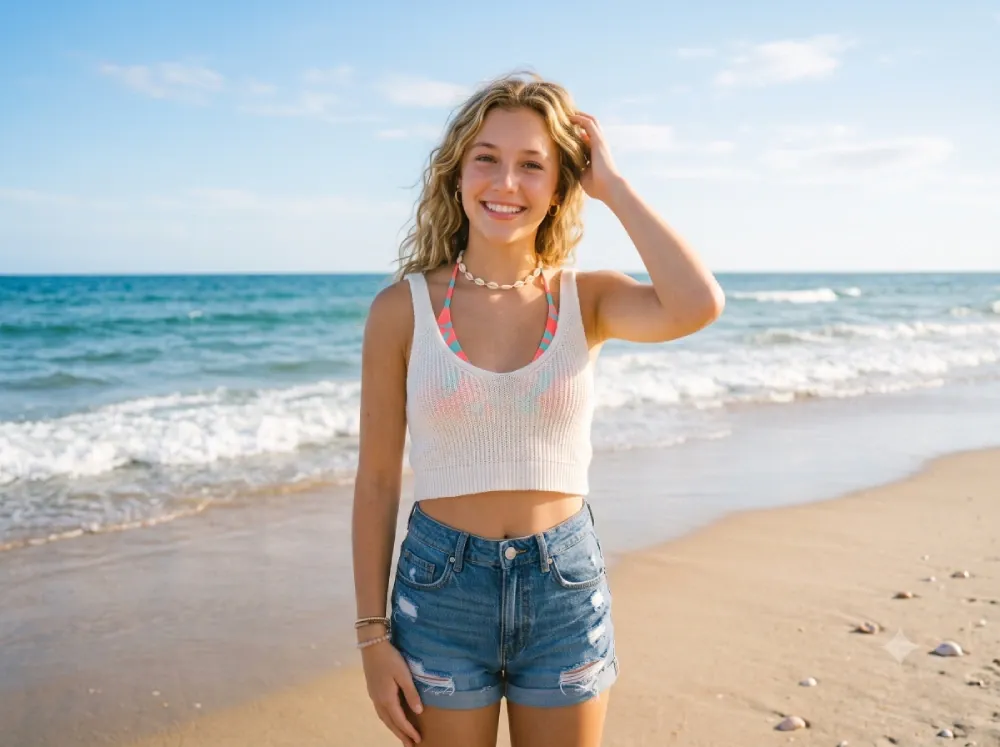
"Change the background to a Maldives beach and add sunglasses to the character."
No history yet
History
Free AI Photo Editor Online - Unlimited
Using free ai photo editor to remove unwanted object. replace a bacground. enhance and restyle phosos. Just upload your image and describe the change. It is an AI powered photo editor that turns simple prompts into visual edits, with no complicated layers, masks, or manual editing.
- ✓ No Sign-up
- ✓ 100% Free Use
- ✓ Privacy & Data Security
- ✓ No Skills
TrustPilot
Over 1,000+ positive reviews
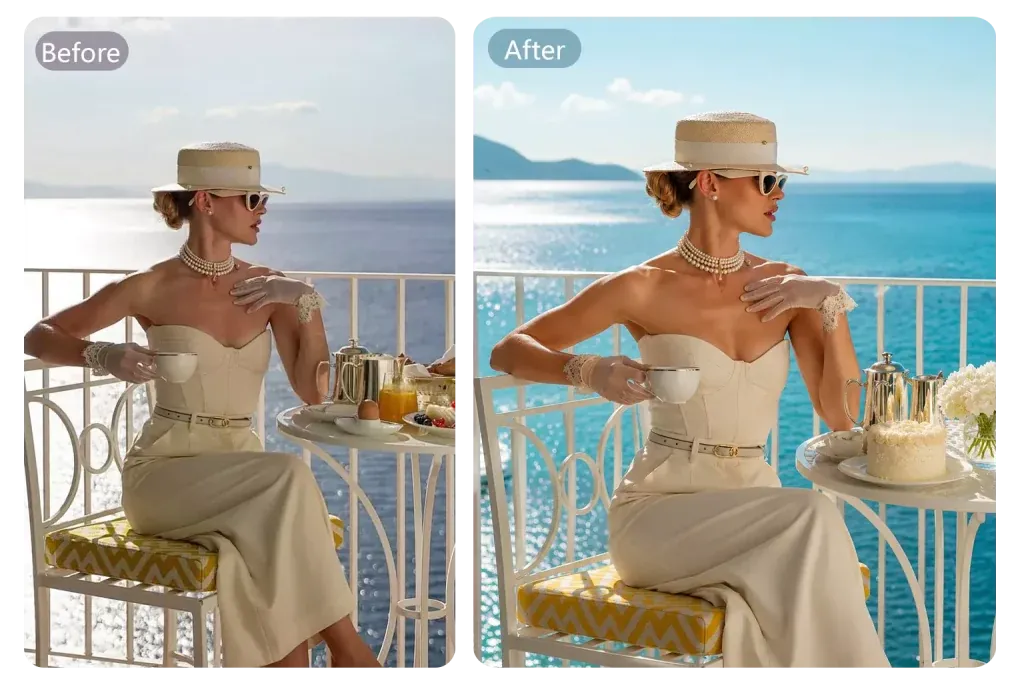
See How Photo Editor AI Change Your Photos
AI Photo Editor Free is more than a filter tool. Use prompts on the same image to enhance details, refine quality, or create new visual experiences instantly.
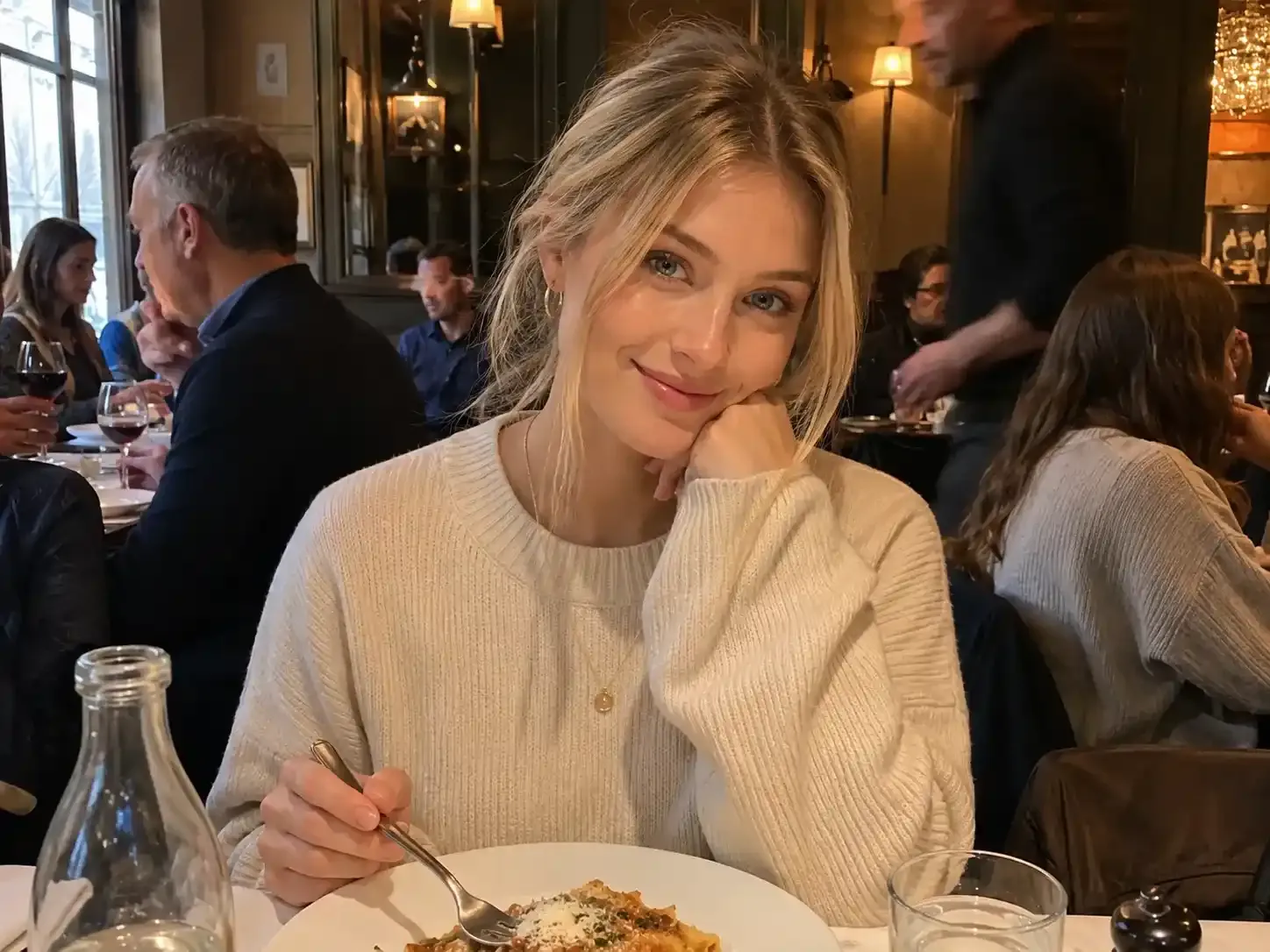
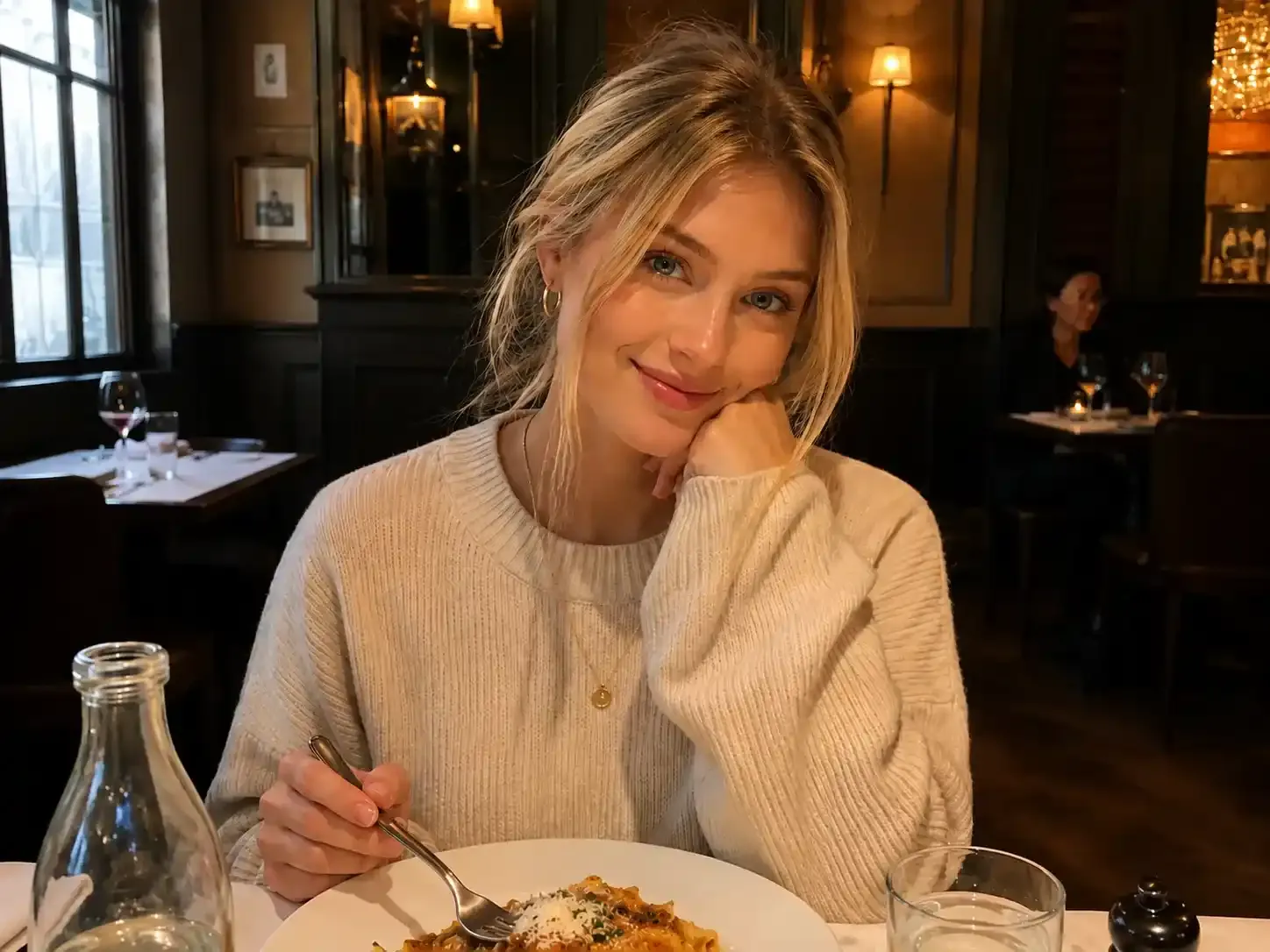
Remove a Distraction with AI photo editor
Prompts: "Remove the person behind the subject and reconstruct the street."
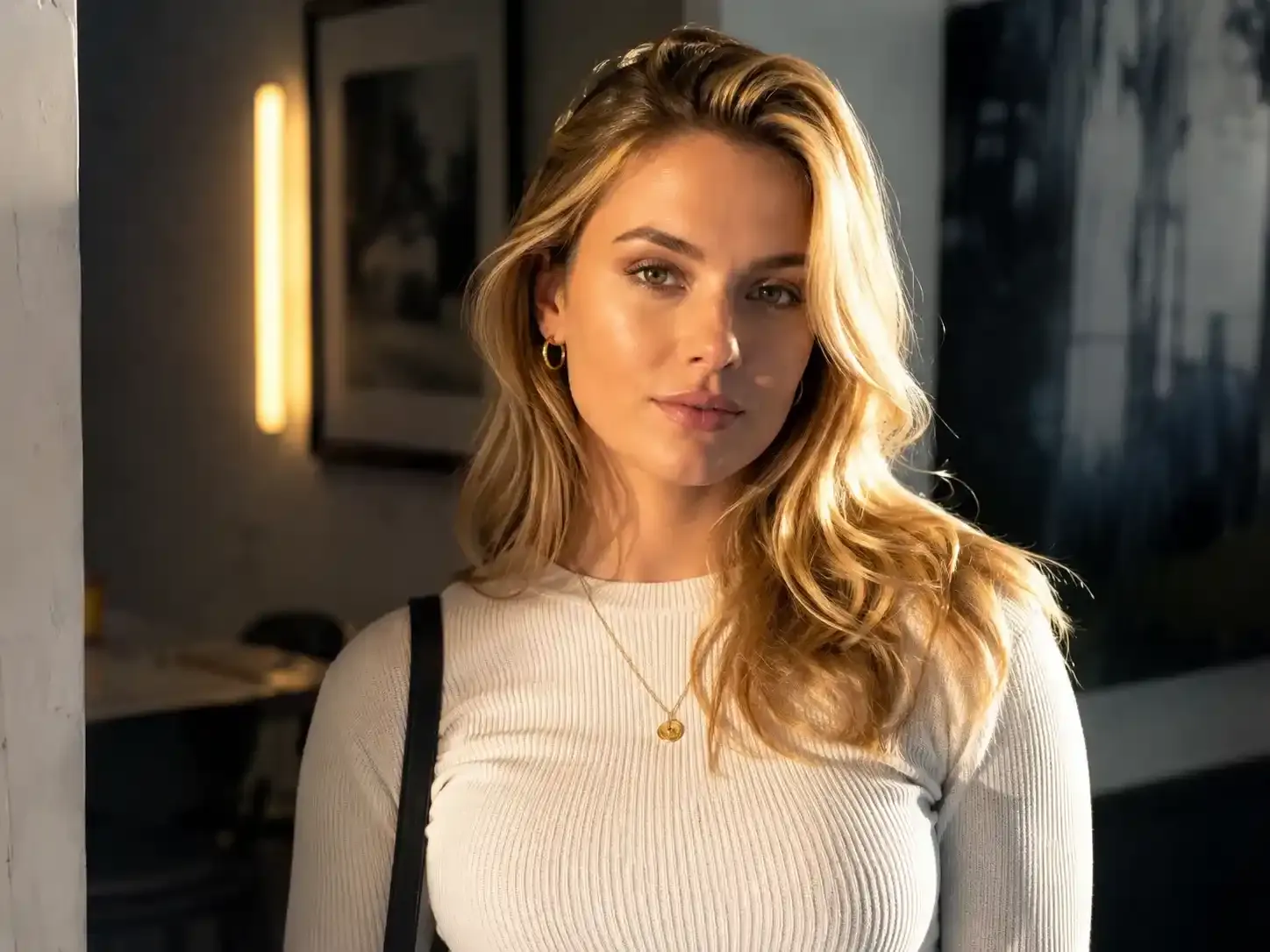
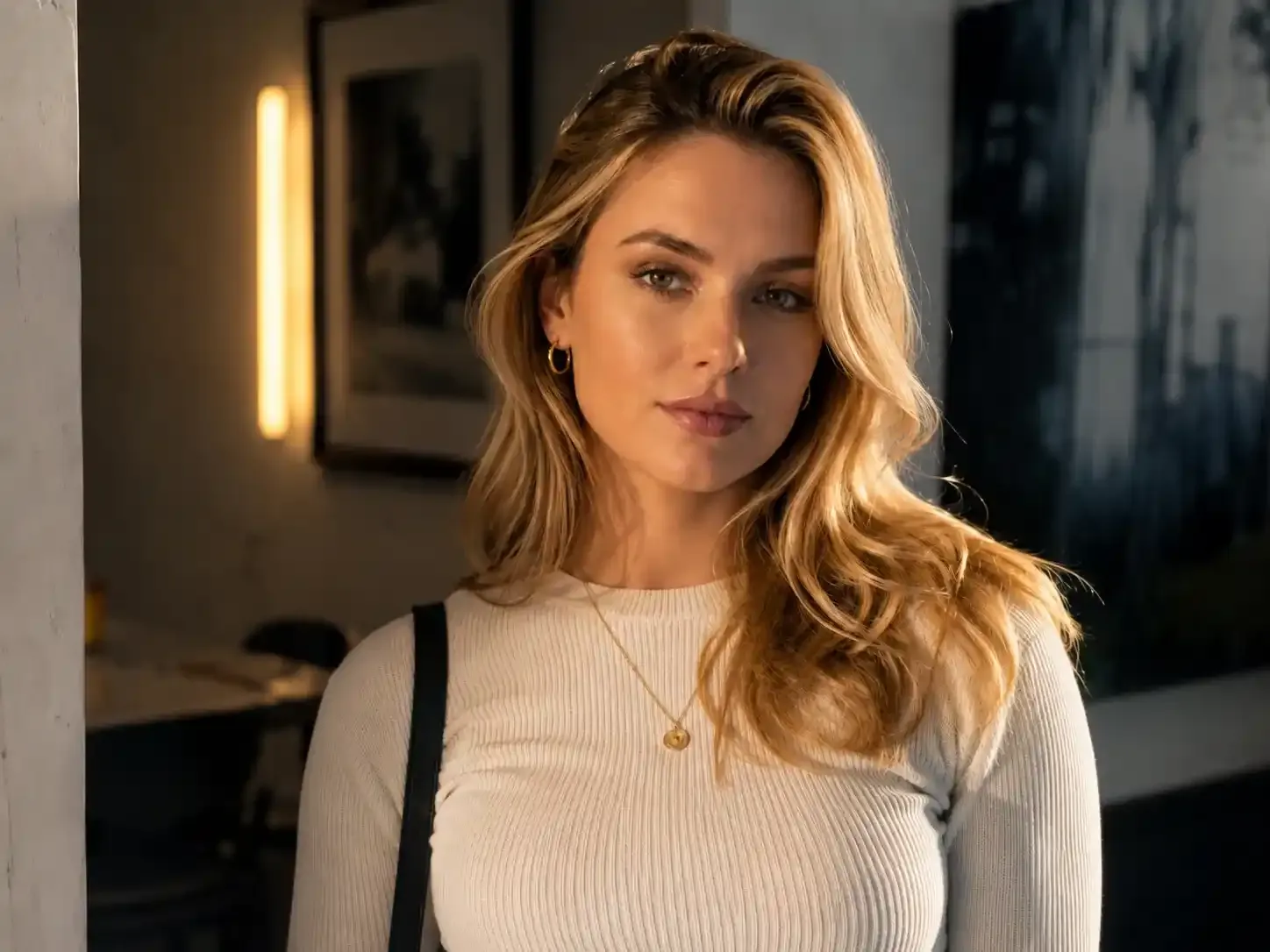
Improve Portrait with photo AI editor
Prompts: "Balance the lighting, reduce harsh shadows, and keep the face natural."
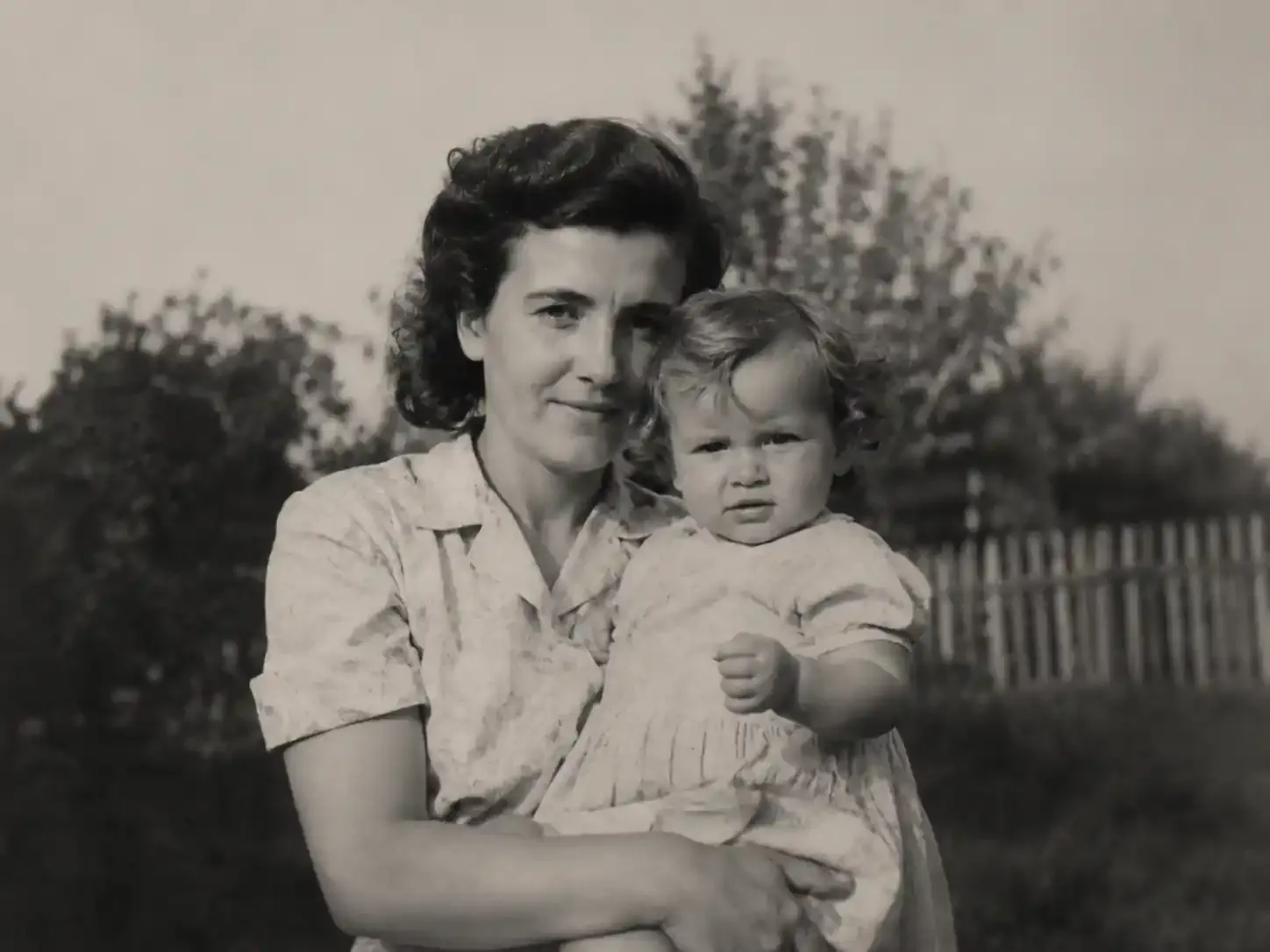
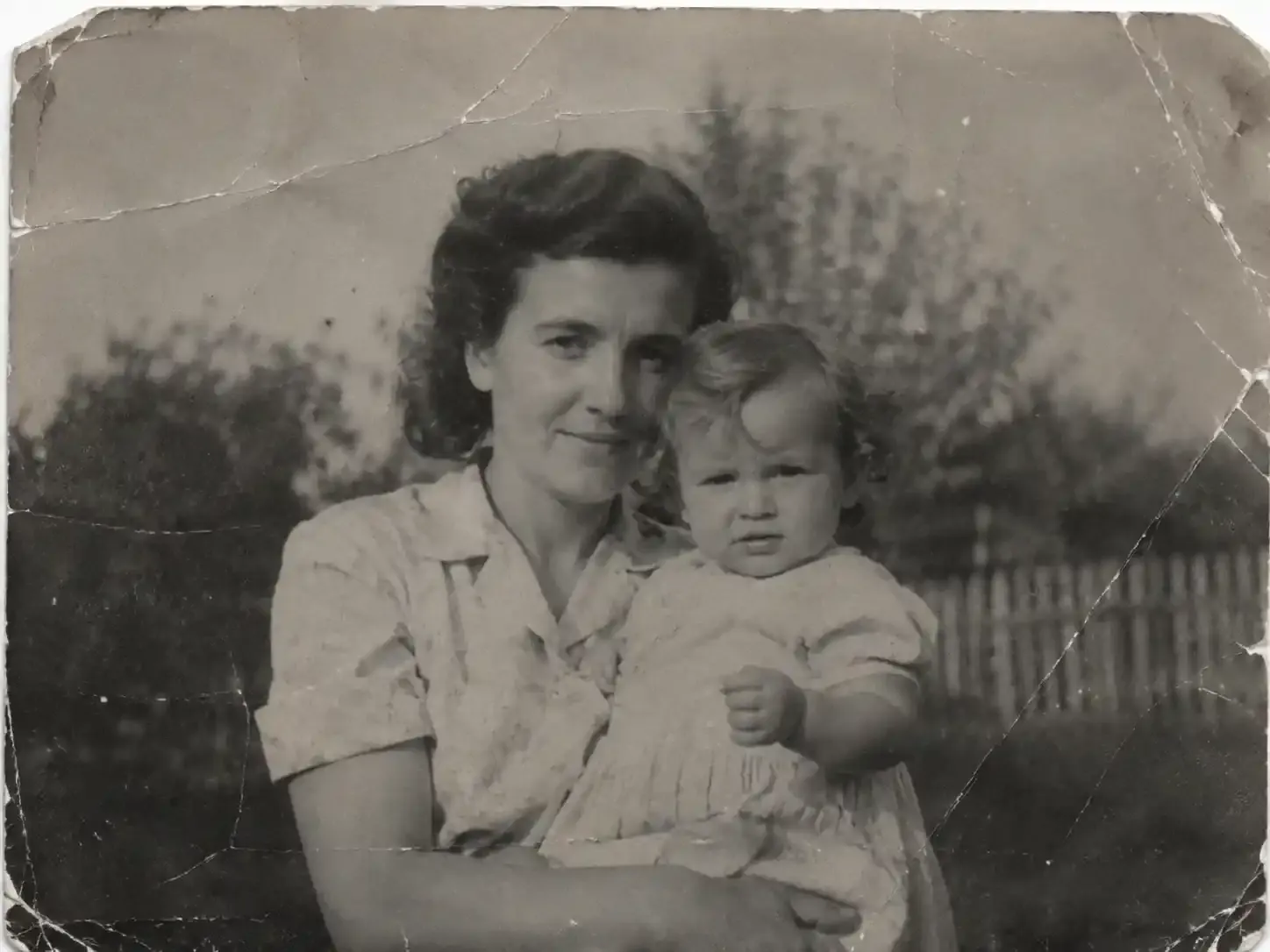
Restore Old Photo by AI photo editing
Prompts: "Repair the scratches, improve clarity, and preserve the original facial features."
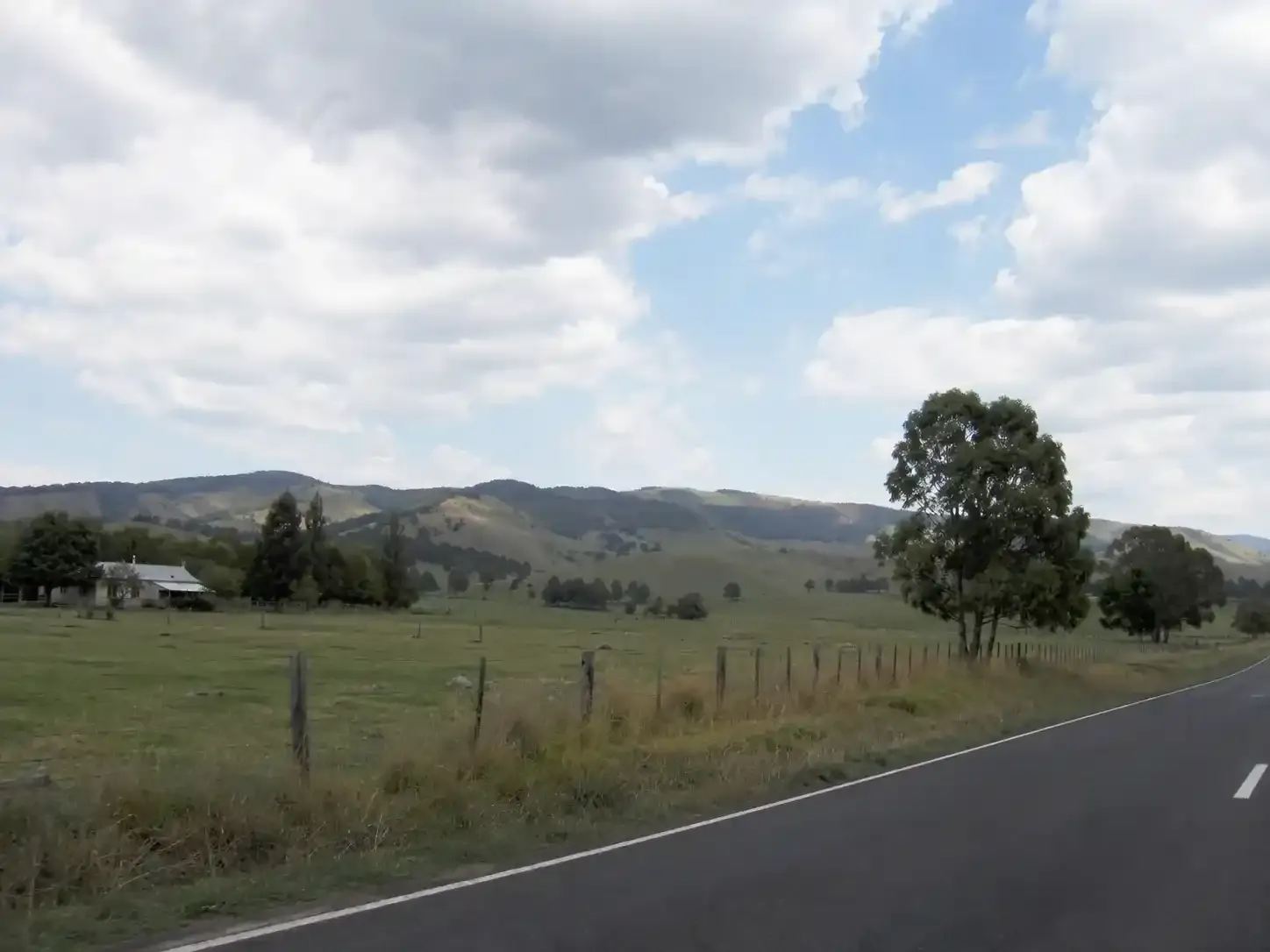
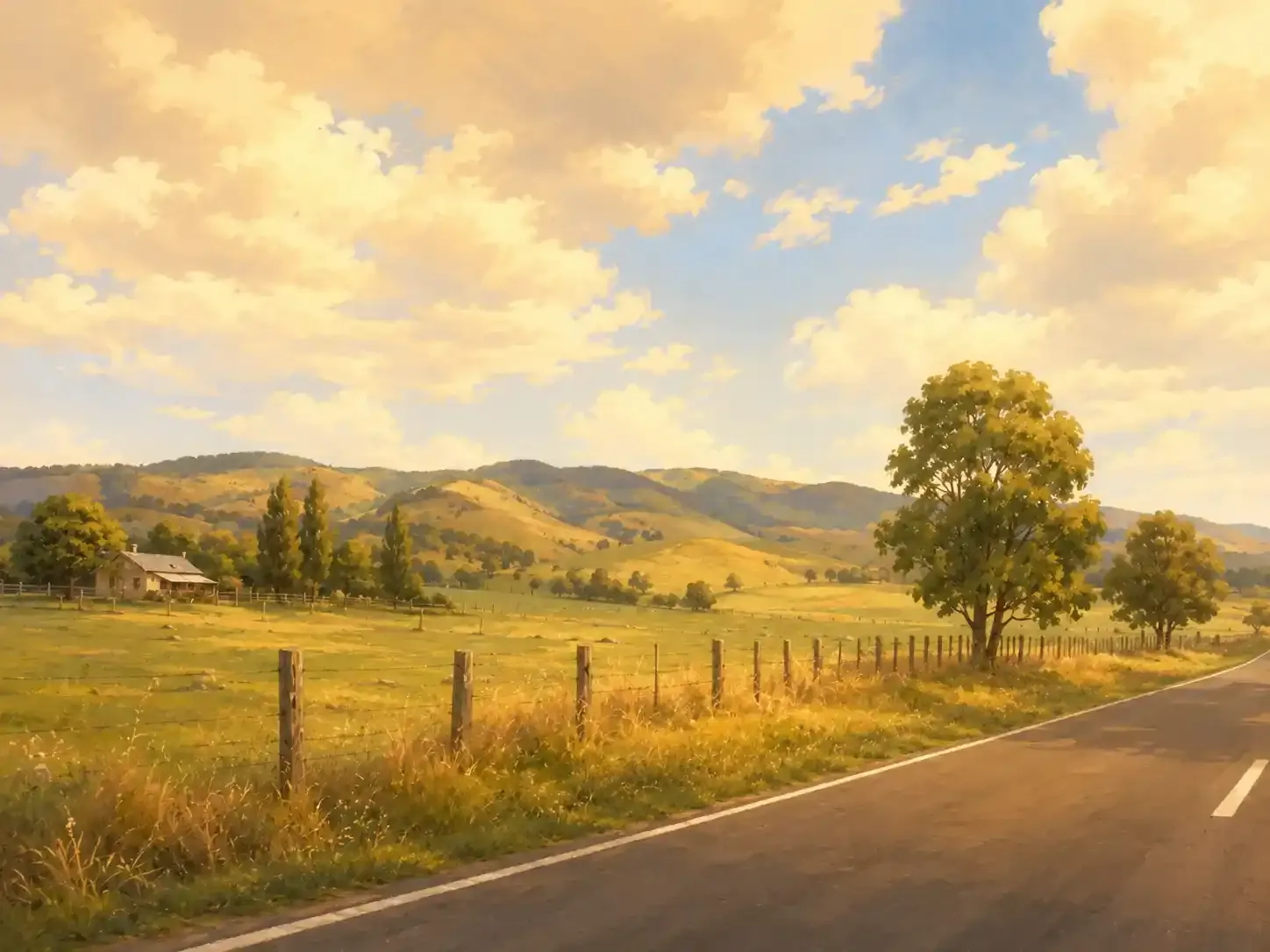
Change the Visual with AI photo changer
Prompts: "Turn this photo into a warm editorial illustration while keeping the same composition."
How to Edit Photos
How to Edit A Photo with Our Best Free AI Photo Editor
The process of using an AI powered photo editor is very simple. You can recreate images with just a few clicks.
01 Upload your image to AI photo editor
Open free AI photo editor and choose the photo you want to clean up, enhance, or transform.
02 Describe the change of photo
Write a clear instruction explaining what should change and what should remain untouched.
03 Generate the edited images
Let the photo editor AI interpret your prompt and create an edited version of the image.
04 Review and Download your photo
Check faces, hands, text, product details, repeated patterns, and object edges. Use a follow-up prompt if the result needs adjustment.
Features
AI Photo Editor Online Free: Edit Photos Without Photoshop Skills
From quick cleanup to creative transformation, photo ai editor helps you complete common photo-editing tasks through natural-language instructions.
Free Best AI Photo Batch Editor Online
Editing images individually takes hours you don't have. Streamline your workflow with our free best AI photo batch editor: process 10 photos at once and finish your work 10x faster. Completely free to use, no paywalls, and no hidden costs.
Try AI Photo Editor Free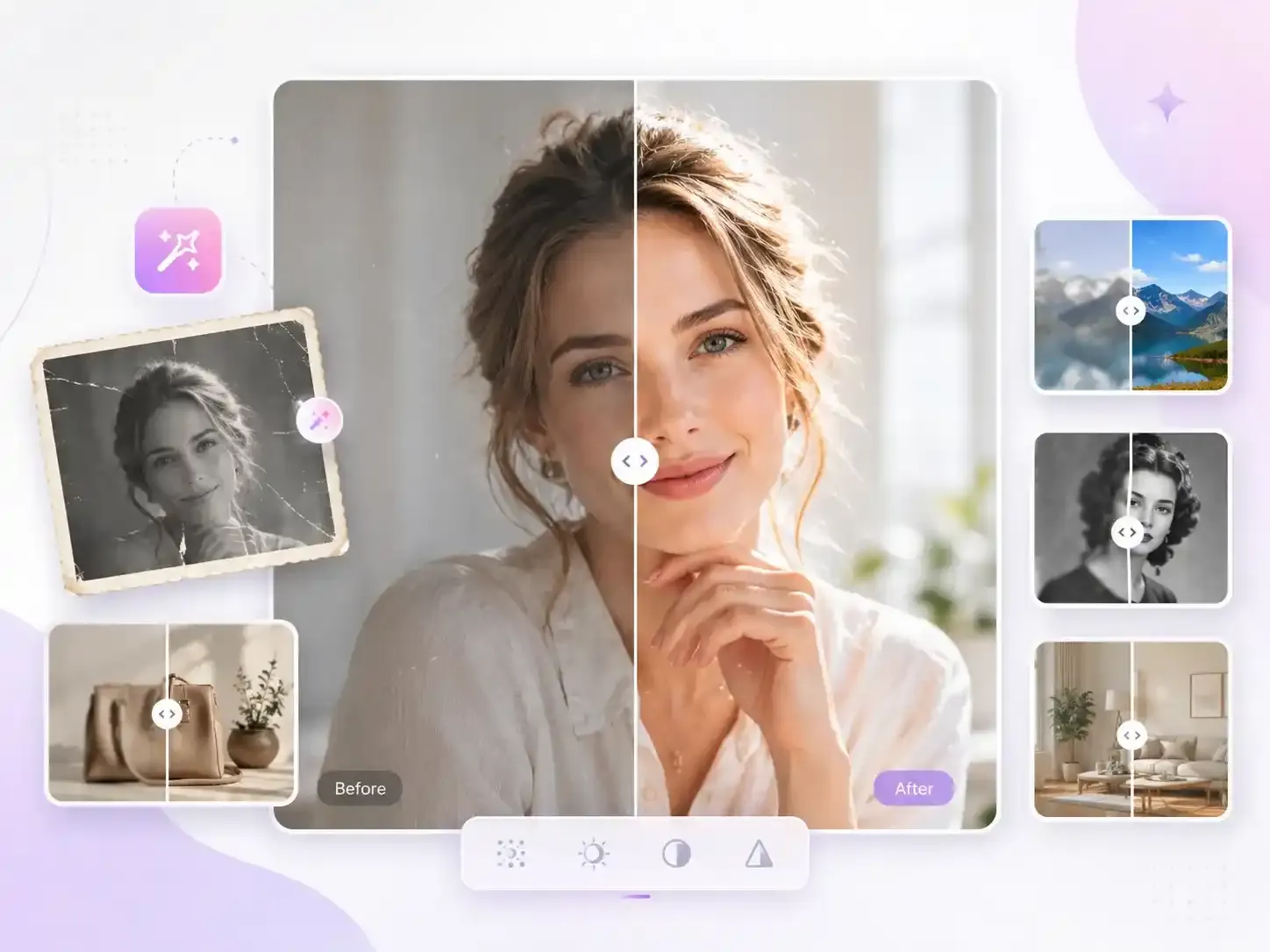
Remove objects Online with Free Photo Editor AI
Erase photobombers, signs, cables, packaging, furniture, or other visual distractions. Our free AI photo editor analyzes the surrounding area and reconstructs the space behind the selected object. Use our Magic Eraser AI when you want to clean up specific parts of a photo without removing the entire background.
Try AI Photo Editor APP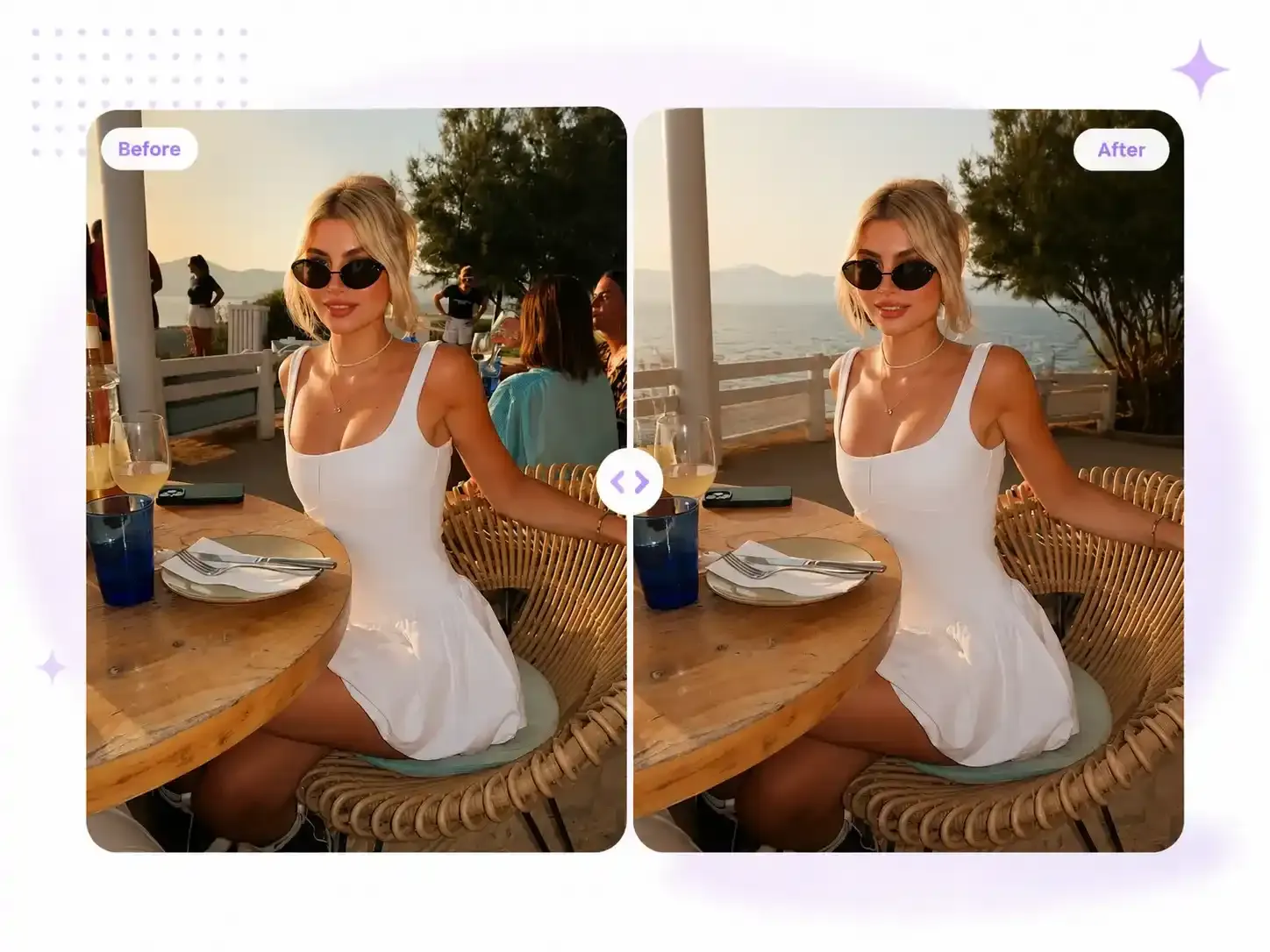
Enhance and Restore Photos Online with AI Picture Editor Free
In our daily work and lives, we often need to enhance the brightness, clarity, color balance, and visible details of portraits, product images, scanned photos, and old photographs. Our AI powered photo editor helps you achieve clearer images, allowing you to cherish your precious memories.
Free AI Photo Editor Online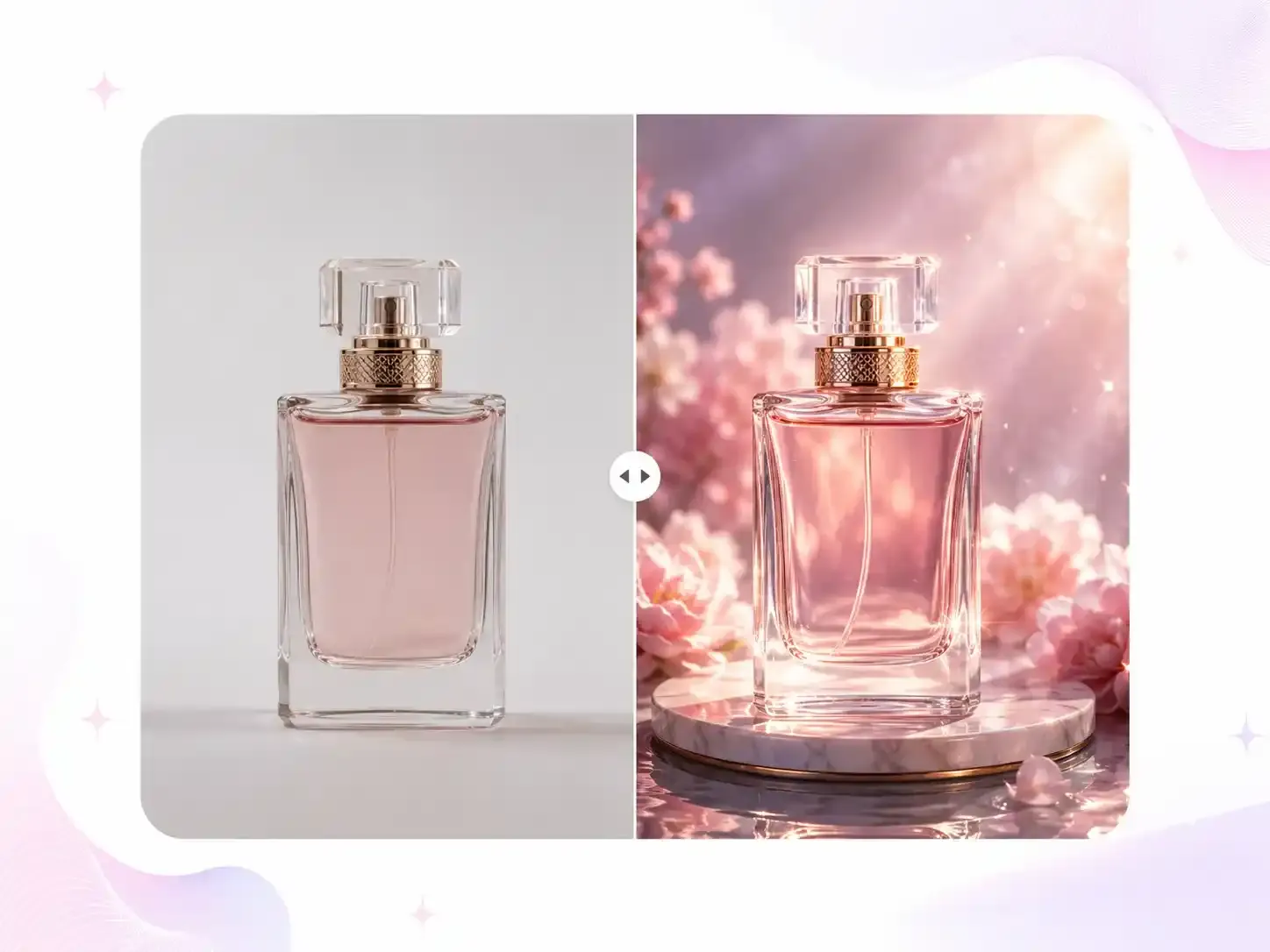
All in One AI Photo Editor: Add, Replace, Restyle or Refine Details
You can change clothing colors, swap out props, add objects, adjust lighting effects, or refine specific areas of an image while keeping the rest of the scene intact. You can also transform everyday real-world shots into entirely new environments, or convert photos into illustrations, marketing visuals, cinematic scenes, or seasonal content—simply by using prompts with the AI photo editor. For optimal results, it is recommended to make one key edit at a time and use follow-up prompts to fine-tune the generated output.
Try AI Photo Changer Free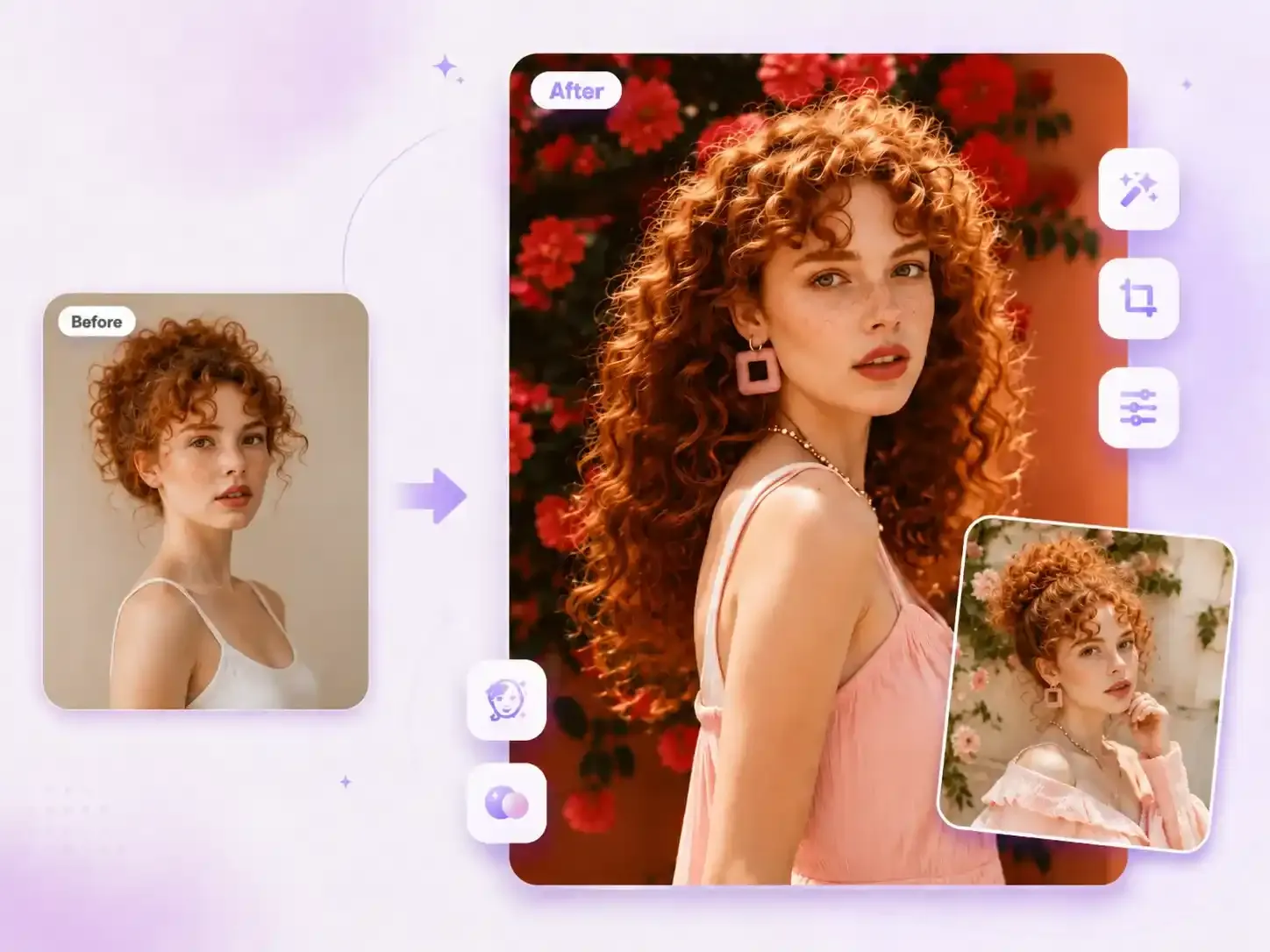
User Reviews
What People Say About AI Photo Editing?
See how creators, marketers, and editors streamline their workflows with our free AI photo editor.
I can transform ordinary product photos into clean, stylish marketing visuals without manually cutting out subjects. This AI image editor is incredibly useful.
Maya Smith
E-commerce Founder
You don’t need Photoshop skills; simply typing in the desired edits within the AI image editor is much faster than digging through menus to find the right adjustment options.
Liam Carter
Content Designer
I use this free AI photo editor to remove minor clutter from real estate photos, creating a consistent look for property listings—it has been a huge help to me.
Sofia Martinez
Real Estate Marketer
It helps me adjust a single photo to meet various publishing needs and platform requirements, without having to start the design process from scratch.
Noah Williams
Social Media Manager
I used the AI photo editing features to restore some old family photos. Although I sometimes needed to add prompts, the entire process was far easier than manual retouching.
Ava Thompson
Family Archivist
For our team, the greatest value lies in stylistic consistency. We can ensure that different photos share the same background style and visual tone.
Ethan Brooks
Creative Operations Lead
Help Center
Frequently Asked Questions About AI Photo Editors
Please read the answers below to learn more about our AI picture editor. If you still have questions, feel free to contact us via email.